Up k2000 innards Prev Next Slideshow

 Previous image  Next image  Index page  Original Image [DSC_8138.jpg - 3.8MB]
DSC_8153
DSC_8157
DSC_8152
DSC_8135
DSC_8137
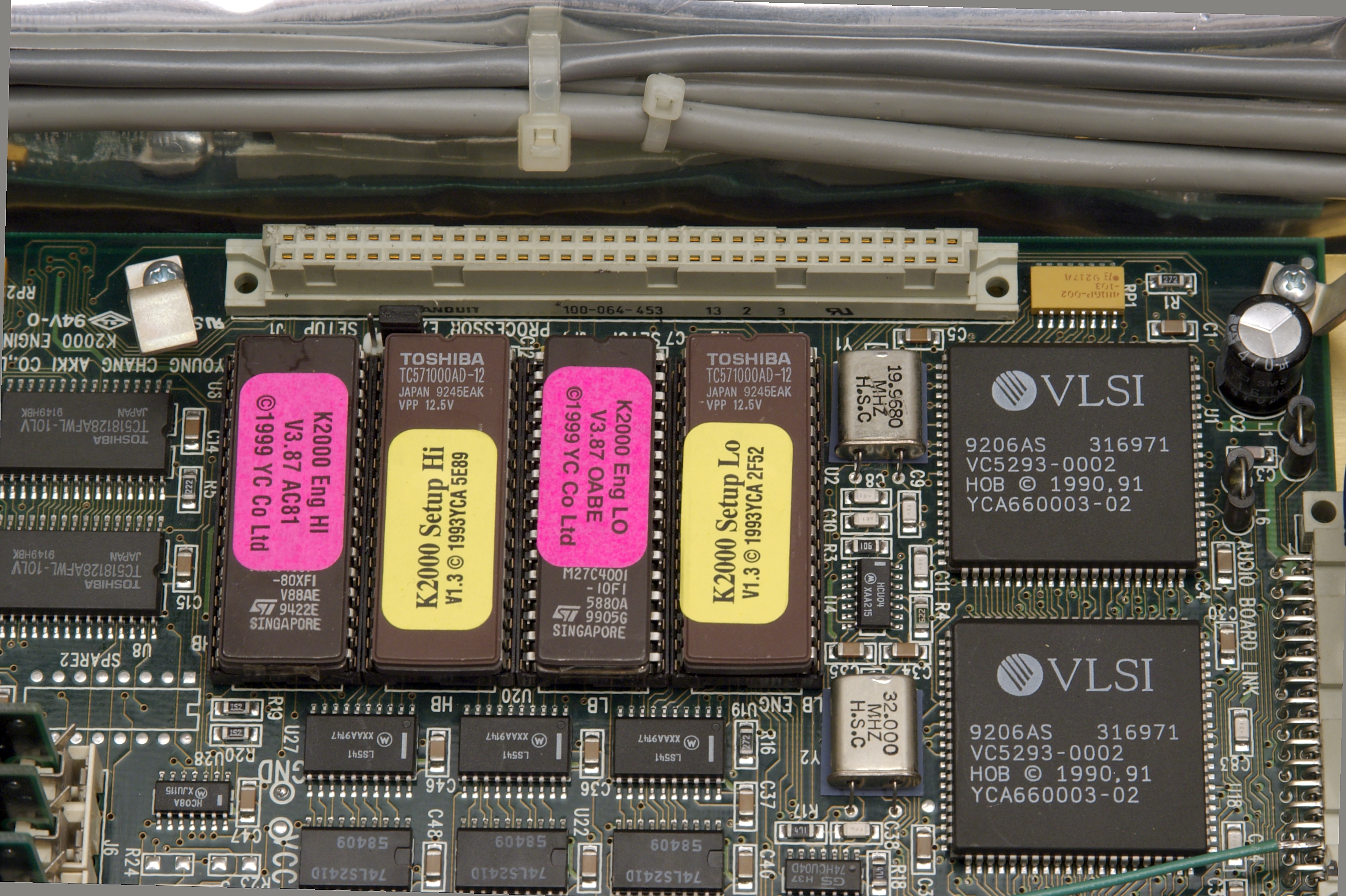
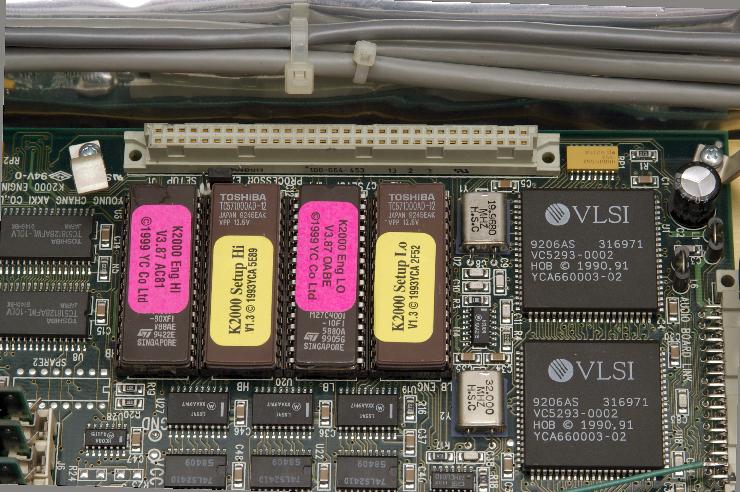
  DSC_8138.jpg - Gently lift the PRAM board out of the large socket. You may need to lift on the left, then on the right. Gently rock back and forth until the connector releases. Now we see the K2000 Eng HI and LO and the K2000 Setup Hi and Lo EEPROMs. The K2000 Engine is the operating system (this shows version 3.87 Calvin - No J present for Janis) We also see version 1.3 for the Setup EEPROMs - These will need to be replaced if you are adding an Orchestral ROM Block or Contemporary ROM. The chips contain the mappings for the ROMs, and by default, do not point to the sounds on the ROM blocks.  
DSC_8142
DSC_8143
DSC_8145
DSC_8146
DSC_8139

Gently lift the PRAM board out of the large socket. You may need to lift on the left, then on the right. Gently rock back and forth until the connector releases.
Now we see the K2000 Eng HI and LO and the K2000 Setup Hi and Lo EEPROMs. The K2000 Engine is the operating system (this shows version 3.87 Calvin - No J present for Janis) We also see version 1.3 for the Setup EEPROMs - These will need to be replaced if you are adding an Orchestral ROM Block or Contemporary ROM. The chips contain the mappings for the ROMs, and by default, do not point to the sounds on the ROM blocks.
Download Original Image
Total images: 39 | Help